 LipaBill
Local first · East Africa on Google Play
Your money has a story.
See it clearly.
Rent, family, a night out, the train you already booked. LipaBill brings that picture together — then you can send, pay, share a social code, or show a pass, even when data is weak.
The ledger stays on this phone. You pick the wallets.
Kenya · Tanzania · Uganda · RwandaOn Google Play
East Africa is live
Kenya, Tanzania, Uganda, and Rwanda. Send and Pay stay Kenya M-Pesa.
Optional. The app is on Google Play — this is only for product notes. We do not sell your address.
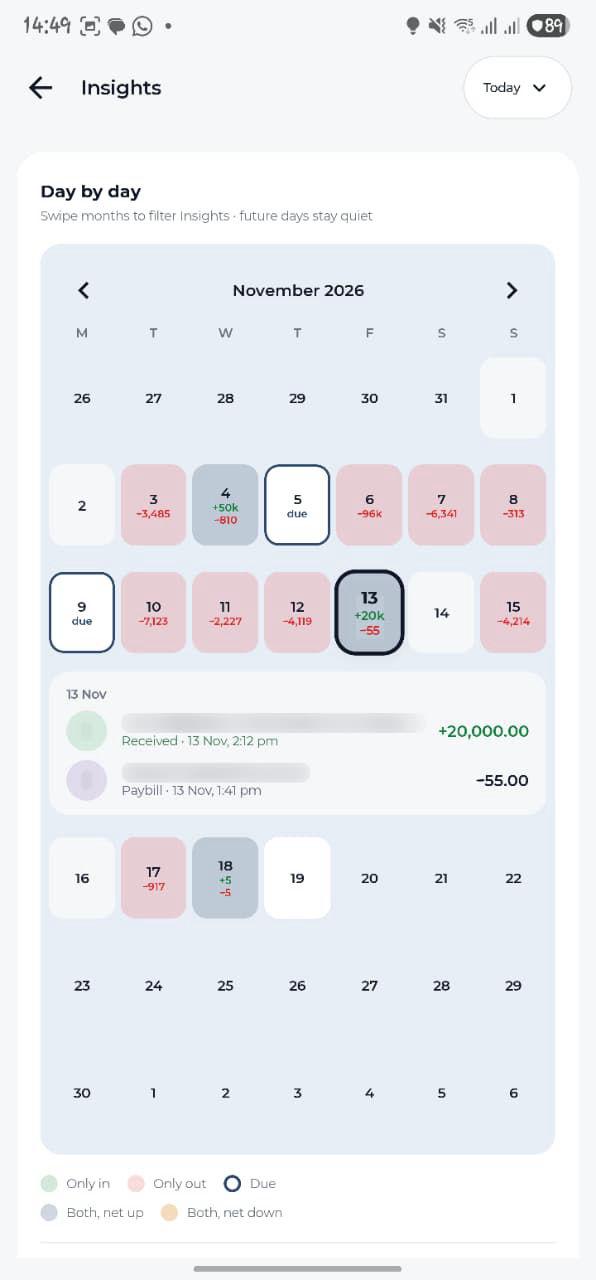
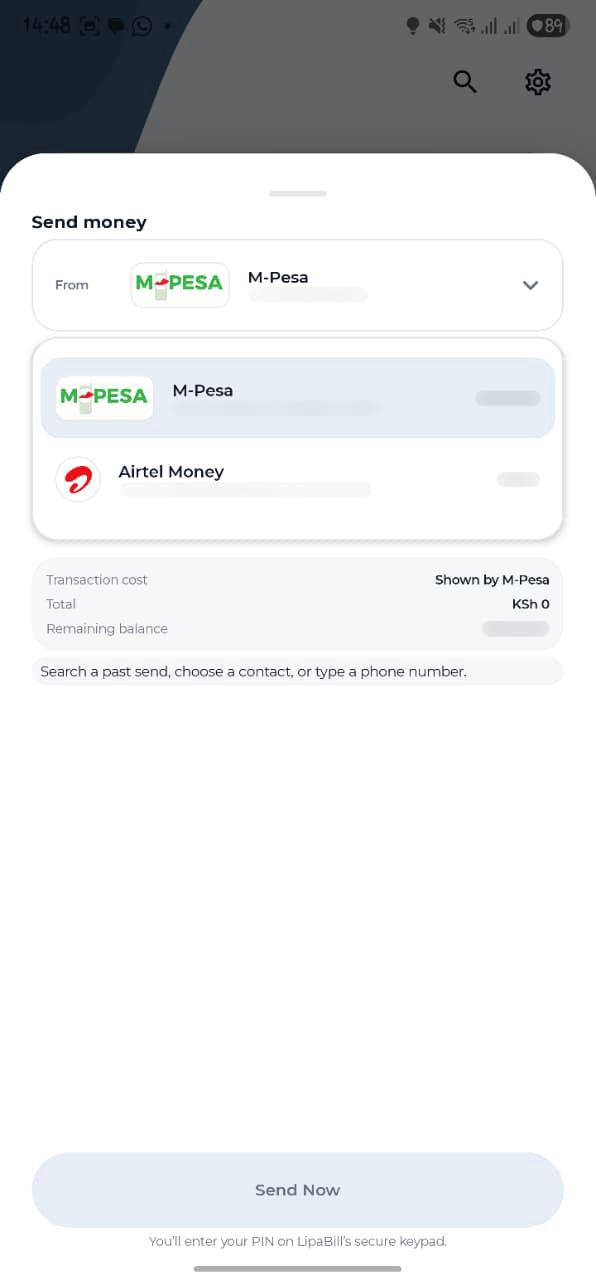
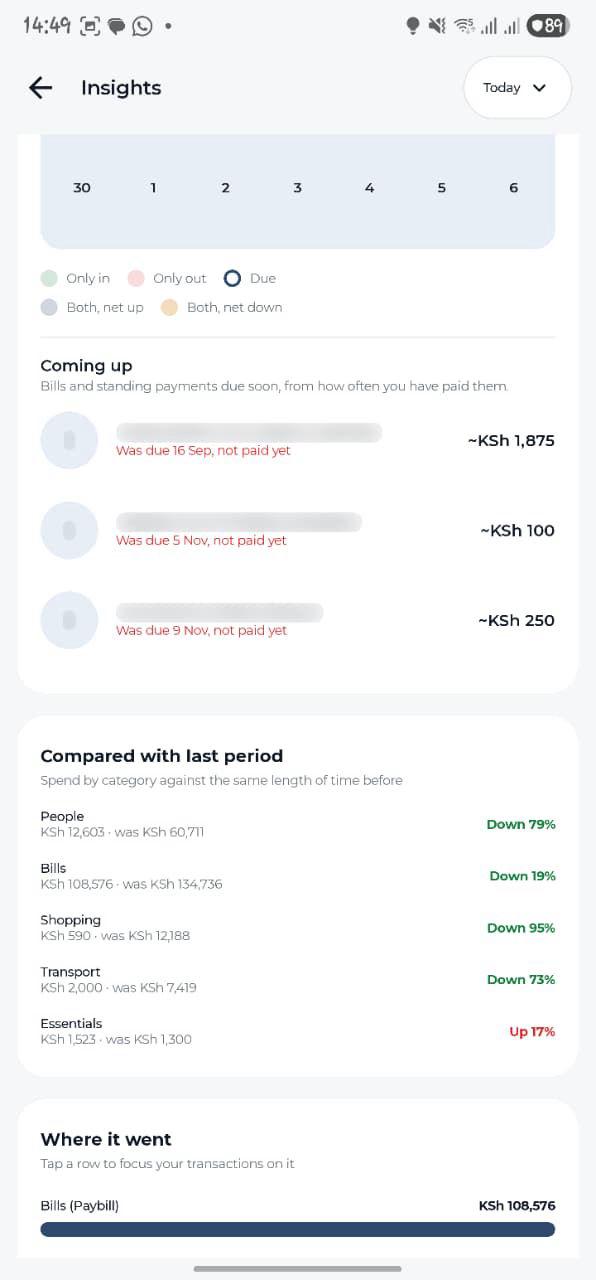
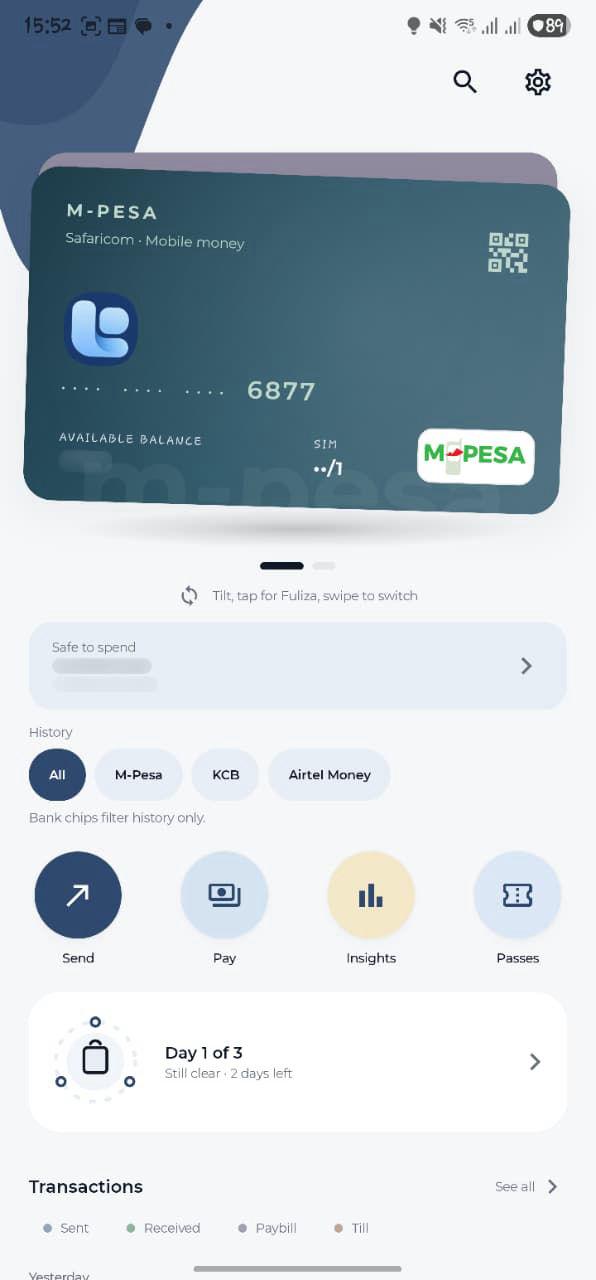
01
See the story
Where it went — rent, family, a till — from the confirmation texts you already get, across the wallets you pick.
02
Do the next thing
Send, pay, get paid, or share a social code. Even when data is weak.
03
What it became
The trip, the night out, a QR so someone can pay you.
On this phone
Four countries.
One phone ledger.
Wallets and banks already send confirmation texts. LipaBill keeps the ones you choose in Kenya, Tanzania, Uganda, and Rwanda — encrypted here, not in a cloud account. Send and Pay stay Kenya M-Pesa.
NairobiDar es SalaamKampalaKigali
Mobile money
The wallets on this SIM
Banks
Confirmation SMS from the same inbox
3 / 19 on this ledger
- Ledger
- On this phone
- Send & Pay
- Kenya M-Pesa
- Fuliza
- In the picture
Encrypted. No LipaBill account.
Confirm, then it runs on this device.
Kenya M-Pesa overdraft sits in history.
Available · M-Pesa
Ksh 24,180
Mama
Airtel Money
Ksh 70
KPLC
KCB
Ksh 1,200
Naivas till
M-Pesa
Ksh 350
Illustrated sample — not a real account or a customer review. Same first-run choice as the app. Change it later in Settings.
See, then move
Seeing where it went is only the beginning.
Every confirmation is rent, family, a till, a ticket. LipaBill puts that picture together on this phone so you can see what is shaping your money — then send, pay, or show the code from here. It is not a bank. Kenya, Tanzania, Uganda, and Rwanda are live on Google Play. Send and Pay still run on Kenya M-Pesa.
The picture
Where it actually went
Built from confirmation texts for the wallets and banks you pick in Kenya, Tanzania, Uganda, and Rwanda — M-Pesa, Airtel Money, MTN MoMo, KCB, and others. Balance and history stay on this phone, not in a LipaBill account.
Read moreWhat keeps costing you
See what is shaping your money
Charts from history already on your phone. Optional no-spend challenges and a short weekly check-in if you want them.
When it needs to move
Confirm, then send or pay
In Kenya, send to a person or pay a bill, till, or Pochi on M-Pesa. You confirm the amount and who gets paid. Then it runs on this phone — even when data is weak.
Read moreMoney coming in
A QR so someone can pay you
Share a code or link for your phone, till, or paybill. Repeat a past payment when you need the same one again.
Read moreSocials
Share the handles you already use
WhatsApp, Instagram, TikTok, and more on Request. Friends scan a code and land on your page — app if they have it, web if they don’t.
Read moreWhat it became
The trip or night you already paid for
An SGR seat or an event stub is the money already spent. Open the QR at the gate even without data.
Read moreYours
The picture stays with you
Fingerprint, face, or your phone PIN. Hide the balance until you tap. Uninstall, and that history leaves with the app.
What the money became
The trip. The night out. Money on its way in.
An SGR seat is the fare you already paid. A receive QR is money coming to you. Both belong in the same picture as where your money went — open either at the gate, even without data. Flight boarding is coming later.
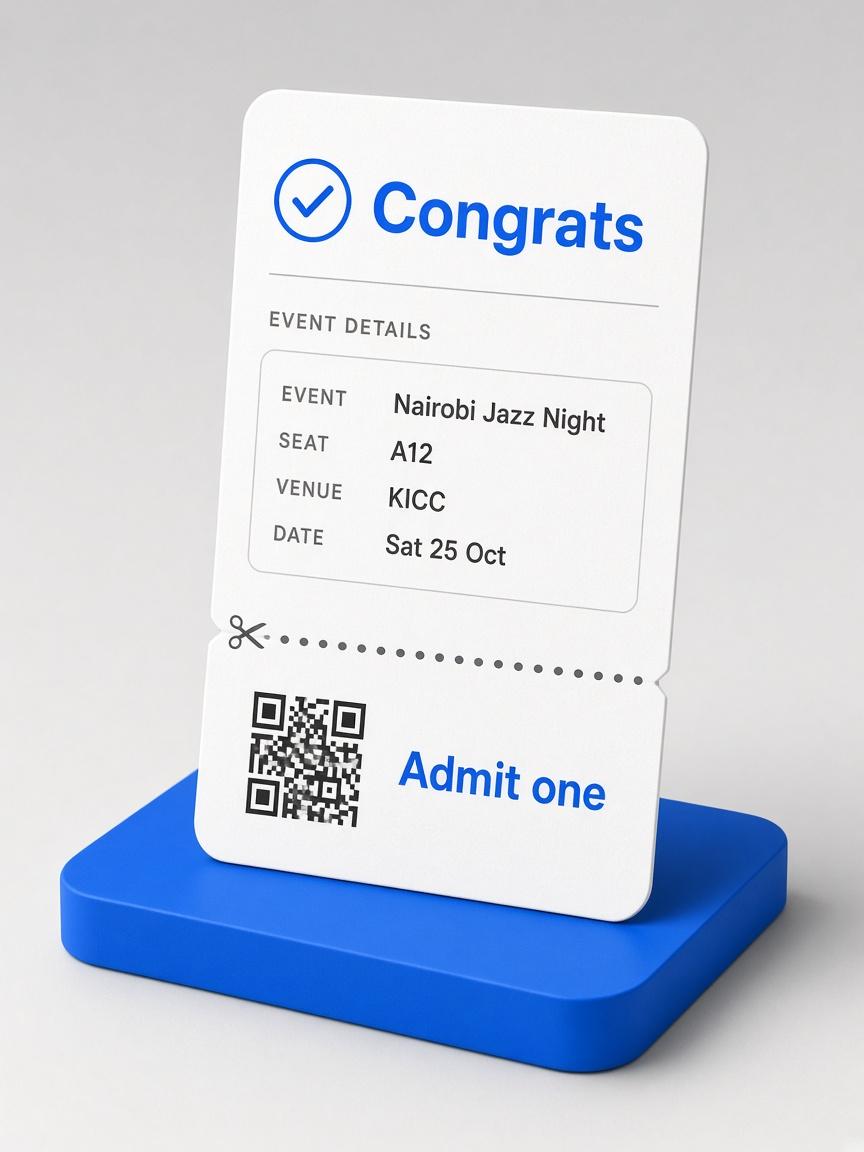
Event pass
QR at the stub
The night out is already paid. Keep the stub QR here and show it at the door.
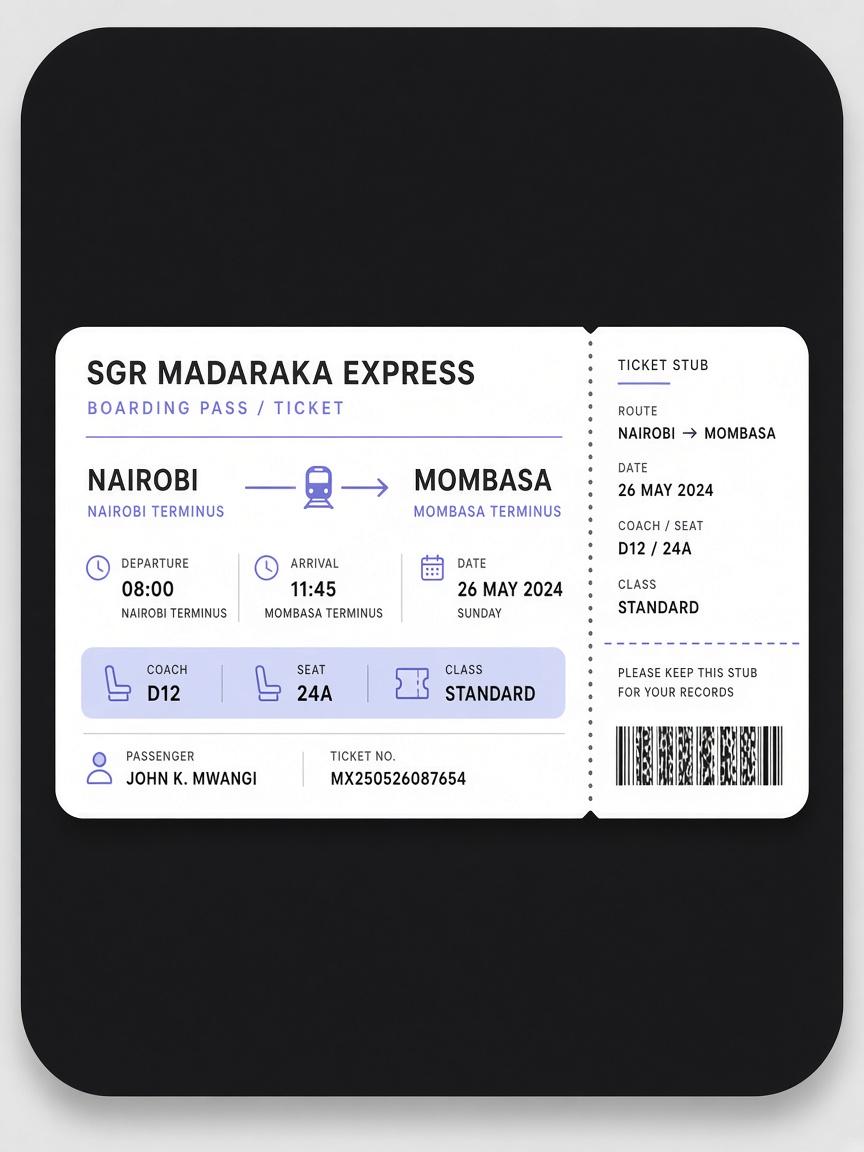
SGR / Madaraka
Rail barcode
The fare is already paid. Coach, seat, and barcode stay with the rest of the story for the gate.
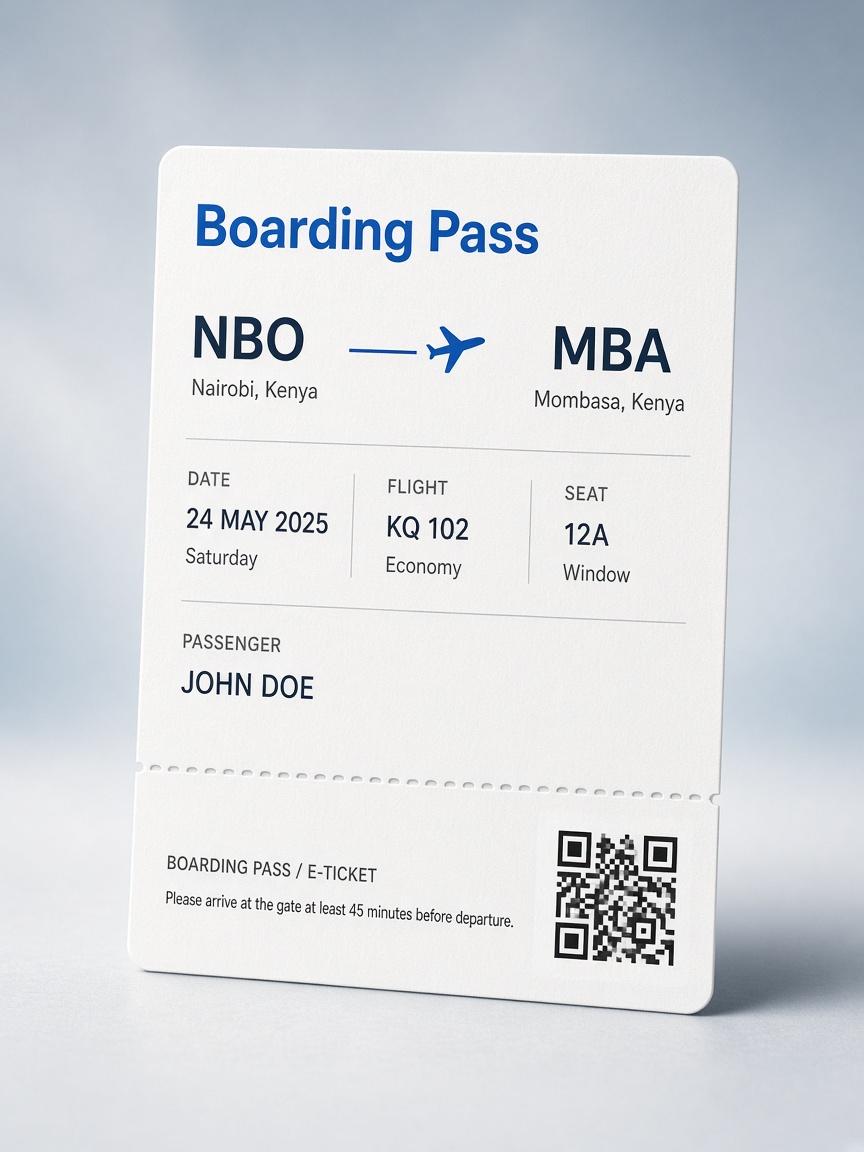
Flight boarding
Coming soonBoarding QR
Same idea as SGR: the boarding QR next to the rest of your money story.
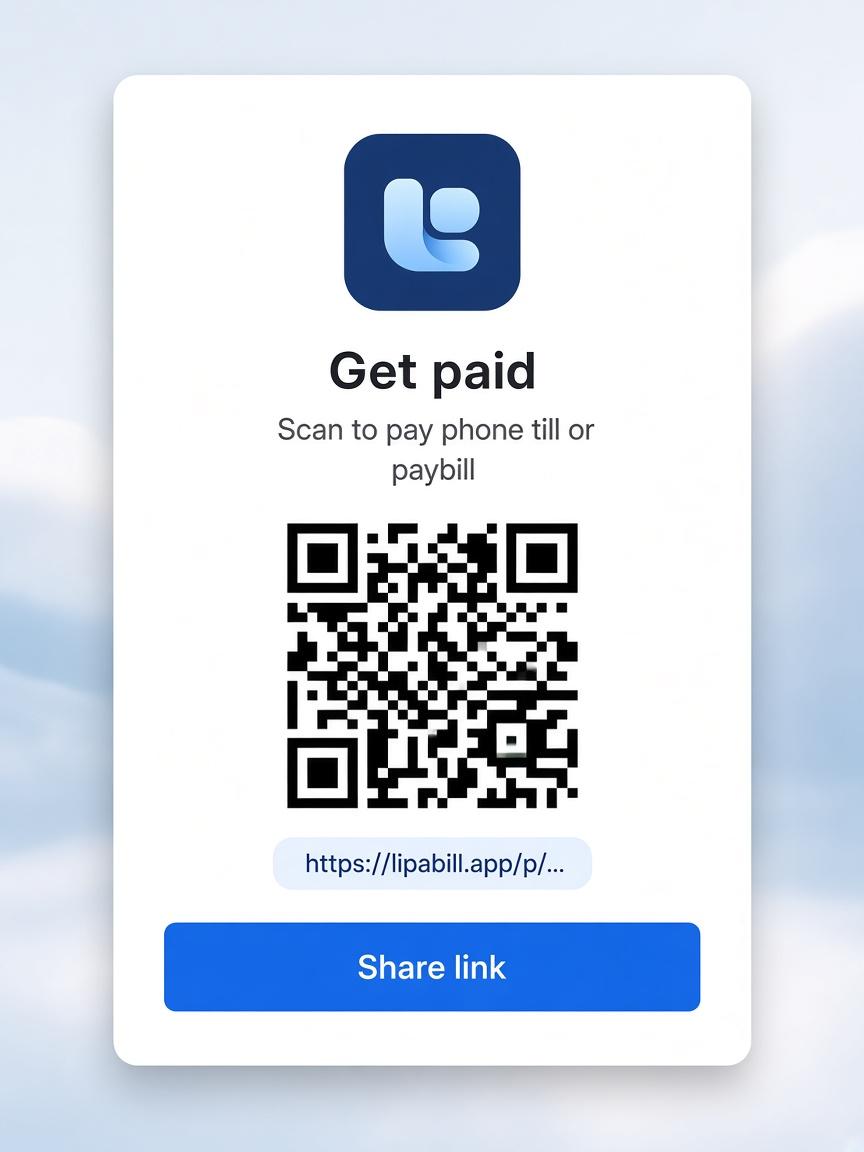
Receive
Pay-link QR
Money coming in: share a QR or link for your phone, till, or paybill.
Questions
Straight answers
What is LipaBill?
LipaBill is a local-first money tracker: where it went, what keeps costing you, and the next move — send, pay, get paid, share a social code, or show the ticket you already bought. It is not a bank. Kenya, Tanzania, Uganda, and Rwanda are live on Google Play. Send and Pay still run on Kenya M-Pesa today.
Does it work when data is weak?
Yes. The picture stays on the phone, so history, pay QR, social codes, and tickets still open. Send and Pay still run on this device — even when the internet is slow.
What are Socials?
On Request, Socials lets you save handles for WhatsApp, Instagram, TikTok, and more, then show a QR so friends open your page — native app if they have it, web if they don’t. Handles stay on this phone. LipaBill does not host a public profile for you.
Are tickets part of that picture?
Yes. A ticket is what the money already became — the trip or the night out. A receive QR is money on its way in. Event passes, SGR / Madaraka Express, and a pay link sit with your history. Show them at the gate even without data.
When can I download it?
LipaBill is on Google Play for Android in Kenya, Tanzania, Uganda, and Rwanda. Open the listing from this site.
Yours
That picture stays on this phone.
Payments, tickets, and settings live under your fingerprint, face, or phone PIN. There is no LipaBill account that holds your money story. Uninstall, and it leaves with the app.
Details in our privacy policy.
Request · Socials
Share your socials
Save the handles you use. Friends scan a code and land on your page — app if they have it, web if they don’t. Same Request screen as pay QR — Payments for money in, Socials for the people who already know you.
Handles stay on this phone. LipaBill is not WhatsApp, Instagram, or any of those networks — we only open the profile they already have.
How Socials works